WhatsApp QR codes: 6 spots where people actually scan
Kai Viertel, Co-Founder & CMO
A QR code only wins subscribers where customers are waiting and have a reason. Six spots work reliably in everyday business: the receipt, the table tent, the business card, the invoice, the parcel insert and the shop window. With the right sentence for each spot, the right size, and the four mistakes that cost subscribers.
TL;DR
A QR code only wins subscribers where the customer has time, a free hand and a reason. Six spots work reliably in everyday business: the receipt, the table tent, the business card, the invoice, the parcel insert and the shop window. For each one you get the sentence that has to sit next to the code, the right size, and the mistake that happens there most often. The code itself takes two minutes and costs nothing.
Why placement decides the outcome
The QR code is the easy part. Colours, logo, frame, done. That takes two minutes. Whether subscribers come out at the other end is decided somewhere else: at the spot where the code sits.
A good spot answers three questions with yes. Does the customer have a free hand right now? Is this a moment where they are waiting anyway? And does the text next to the code say what they get for scanning? Miss one of the three and the code is decoration.
That is why spots with waiting time beat spots where people are moving. The table tent beats the poster at the exit. The invoice beats the flyer in the letterbox.
You can build the code itself for free with our WhatsApp Link Generator, with your own colours, logo and frame. With an account you also get the opt-in link, the code as PNG and SVG and four ready-made promo formats in SendSeven under Widgets in the Promotion tab.
Build your QR code in two minutes
Brand colours, logo and frame, plus a clickable wa.me link. Free, no sign-up.
Open the link generator →Six spots where people actually scan
You do not need all six. Two spots done well beat six done half-heartedly. Start where your customers already pass by every day.
1. The receipt
The customer is holding the receipt and waiting for change. There is no better moment at the till. The code goes at the foot of the receipt, with one line above it that names a concrete return: "10% off your next order. Scan, confirm, done."
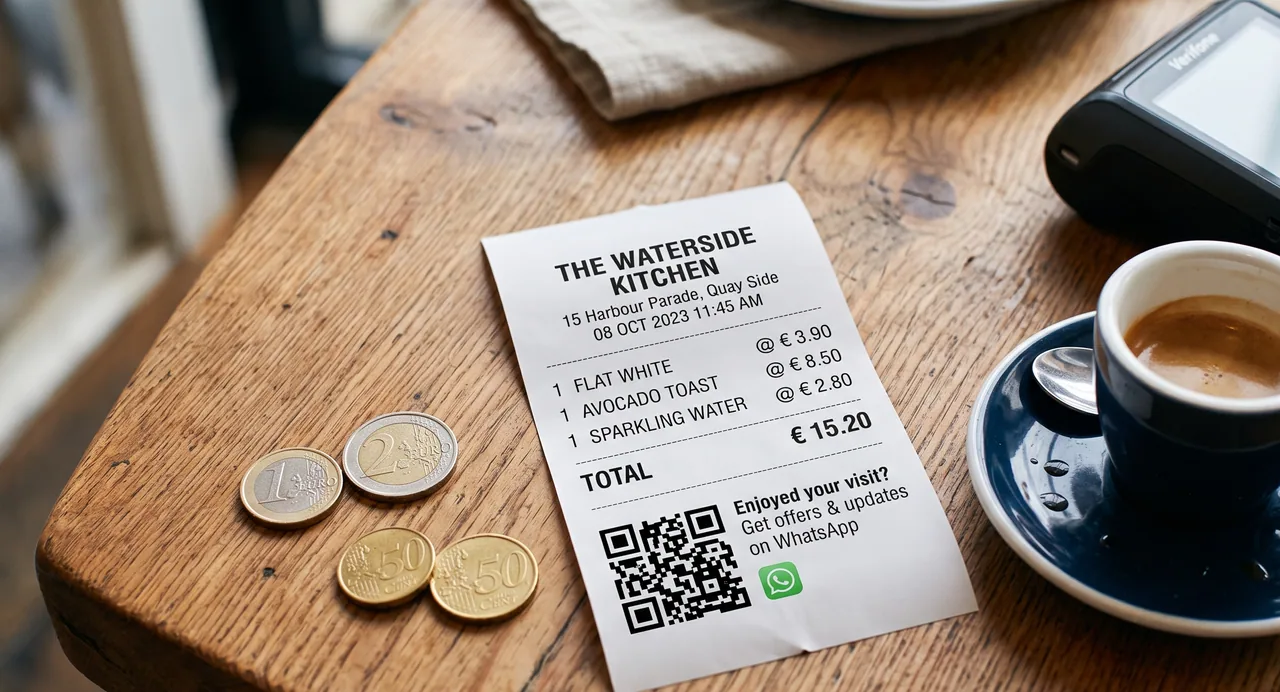
One point from practice: many till printers render graphics coarsely. If your code looks blurry on the receipt, print it as a small sticker and put it on the back instead. And say the line out loud once at the till. A receipt that goes unread into a wallet never gets scanned.
2. The table tent in hospitality
At the table people wait, for service, for food, for the bill. Those minutes are the best opportunity in the whole business. What matters is a reason that repeats: "The lunch menu every week on WhatsApp. No phone call needed."
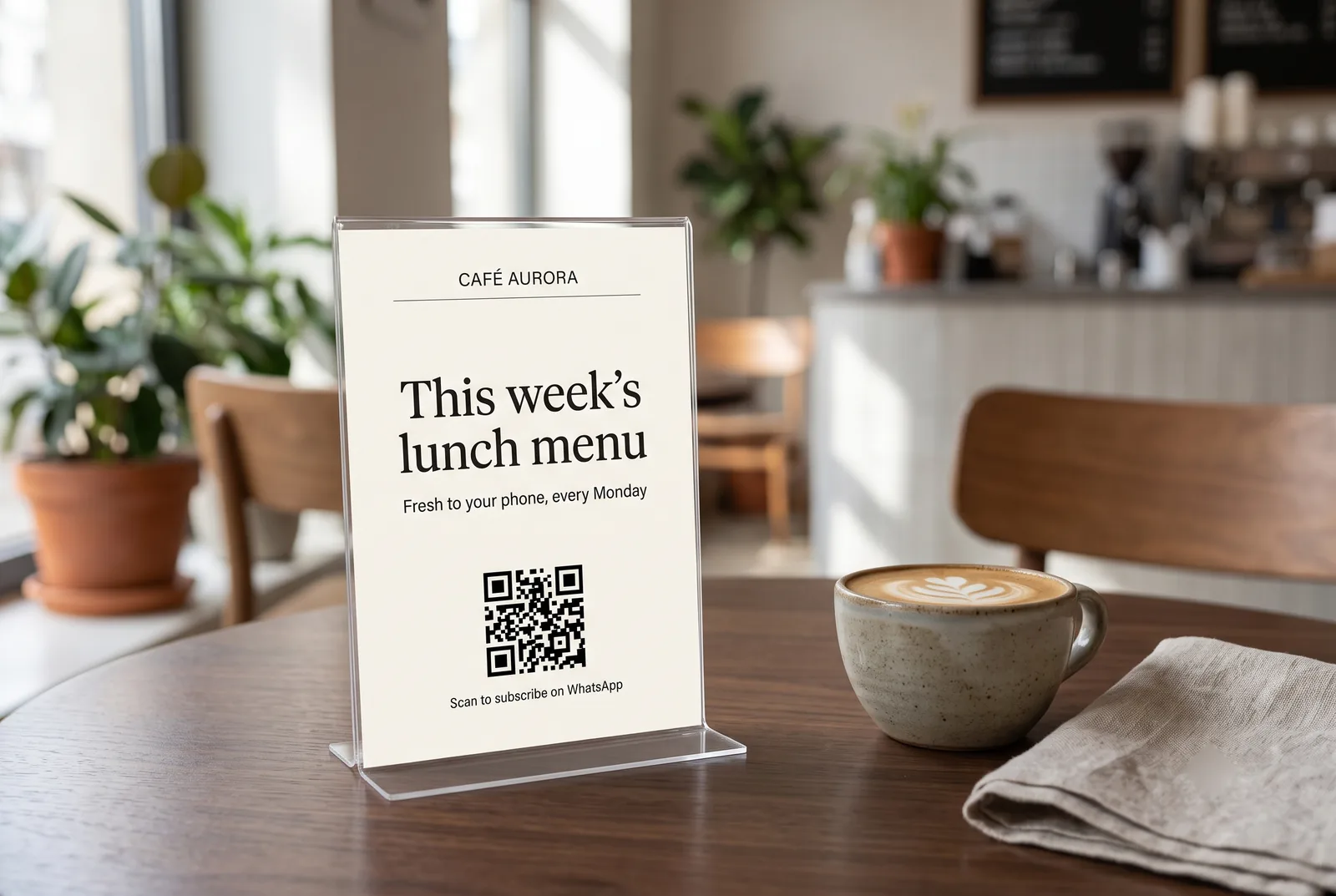
The most common mistake in hospitality: the stand sits between salt, pepper and the napkin holder and ends up half covered. The second most common: the code points to a menu PDF instead of a chat. That builds a menu link, not a subscriber.
3. The business card
For service businesses without walk-in traffic the business card is the most important spot. Beauty studio, physiotherapy, consulting, trades. The code replaces the phone number nobody types, and the contact turns into a chat straight away: "Appointments and questions on WhatsApp."
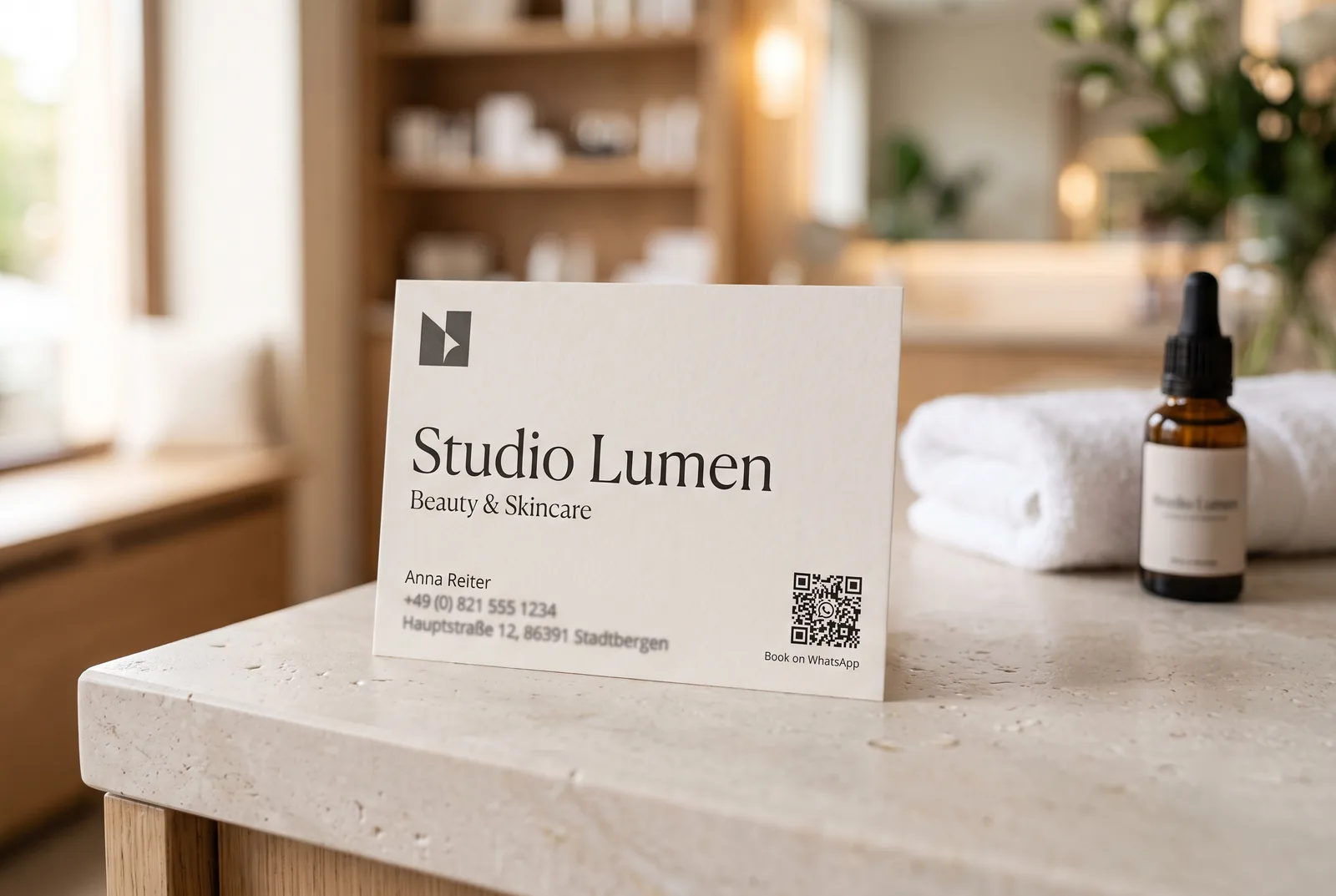
Put the code on the back, at least two centimetres per side. On the front it competes with logo and name and usually shrinks below the size a phone camera reads reliably.
4. Invoice and delivery note
The invoice reaches the customer exactly when the job has just gone well. For trades and maintenance work that makes it the strongest spot of all, because the next appointment is due anyway: "Do not forget the service. We will remind you on WhatsApp."
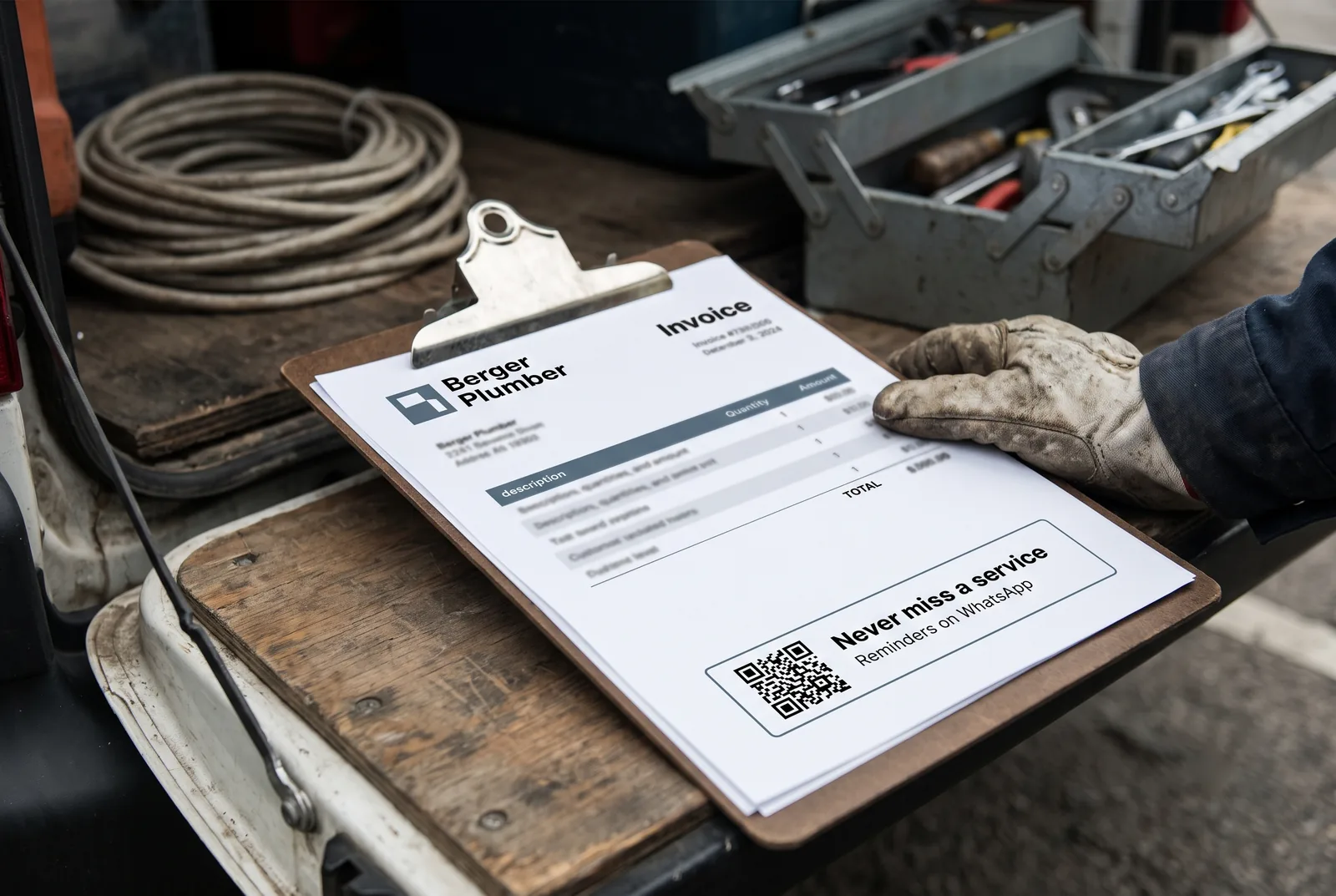
Give the code its own box, not a slot in the small print next to bank details and payment terms. Nobody reads it there. A frame and two lines of text are enough.
You do not have to build the print material
SendSeven holds the opt-in link, the QR code as PNG and SVG and four ready-made promo formats for square, story, banner and print, per channel.
See WhatsApp newsletter →5. The parcel insert
Unboxing is a good mood. That is where the insert sits, and the obvious question is about the order itself: "Questions about your order? Scan and write to us." Tracking, returns and warranty are strong arguments because they save the customer work.
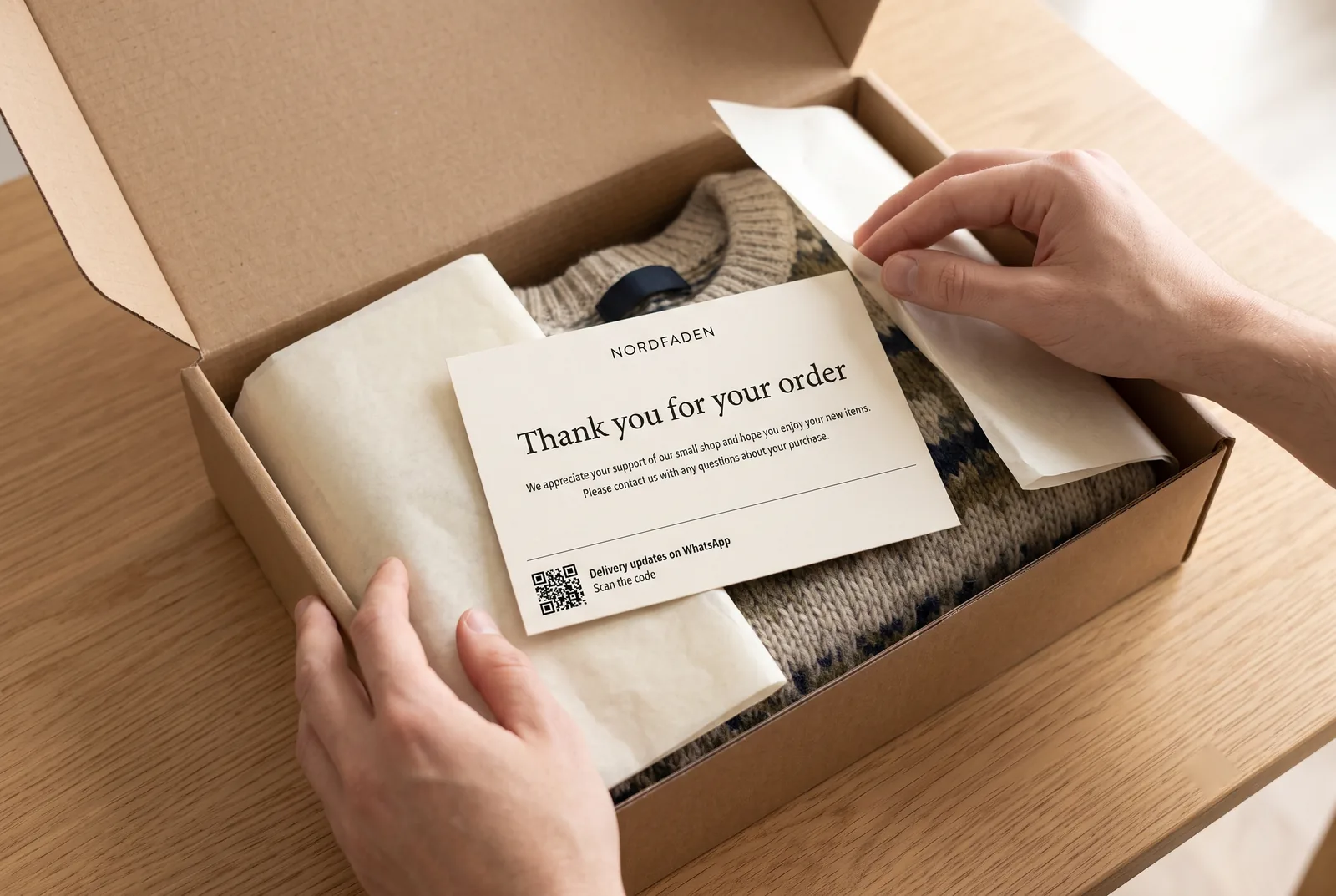
If you ship several ranges, do not use the same insert everywhere. A separate word per range tells you later where the sign-up came from and starts the matching sequence. Our article on trigger words on the product shows how.
6. Shop window and in-store poster
The shop window is the only spot that works after closing time. That is why a line addressing the locked door works here: "Closed today? Offers and opening hours on WhatsApp."
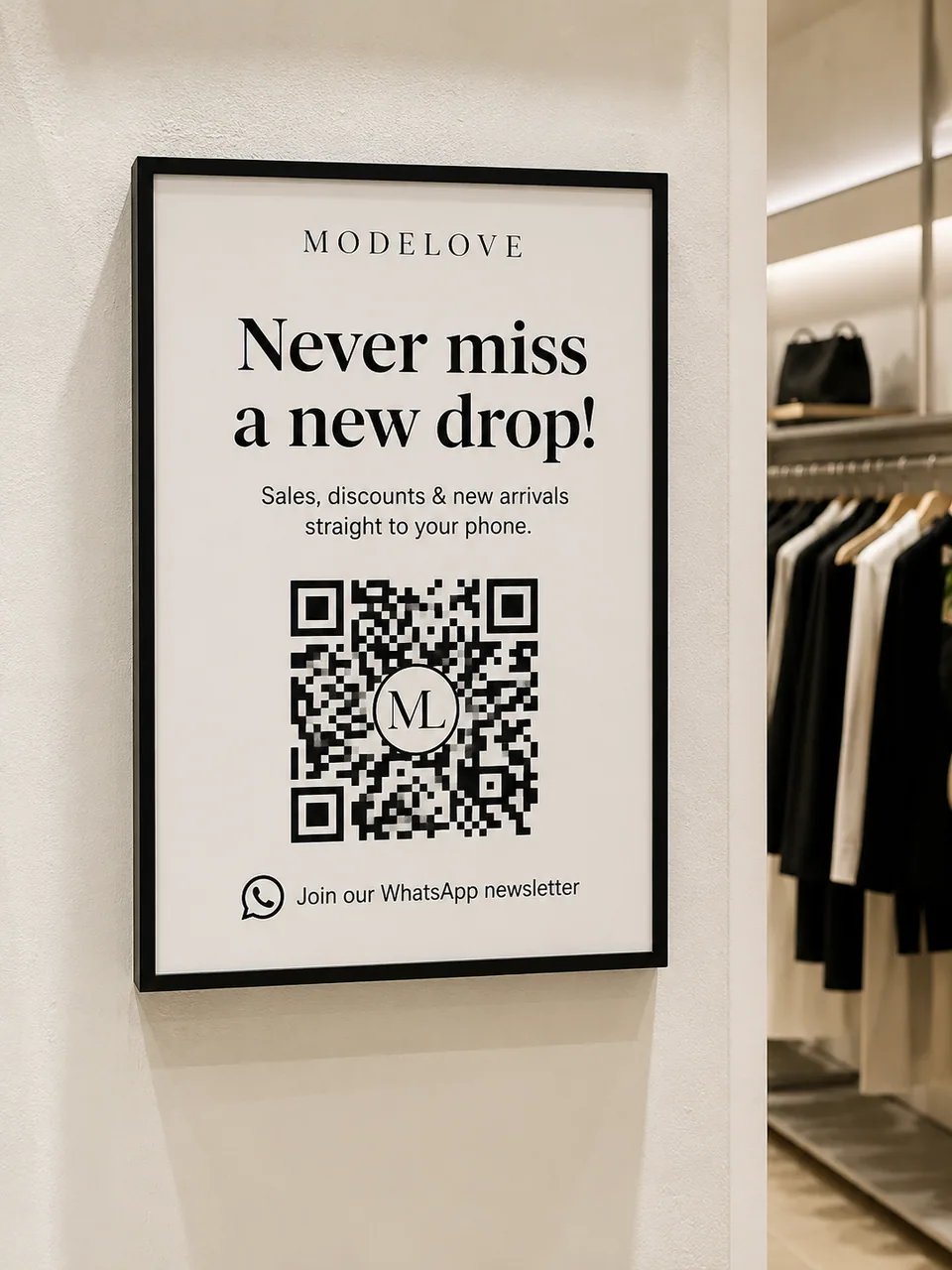
Two things decide it here: eye level and size. Scanning from one metre away needs roughly ten centimetres per side. And watch the reflection. A pane of glass in midday sun makes any code unreadable.
Size, quiet zone, contrast
Three technical rules are enough. Follow them and your codes work on any phone.
Size follows distance. The rule of thumb: scanning distance divided by ten gives you the side length. At 30 centimetres, so at a table or at the till, three centimetres is plenty. One metre at the shop window needs about ten.
Leave the quiet zone. The code needs a light margin around it, roughly as wide as four of the small squares inside it. Without that margin the camera cannot find the edges. So text, logos and frames must not butt up against it.
Do not invert the contrast. Dark code on a light background. Not inverted, not on top of a photo, not in two pastel shades. A logo in the centre is fine, because the code carries error correction. An image underneath is not.
Test with two devices at the end, an iPhone and an older Android phone. If both open the code on the first try, the print job can go out.
Four mistakes that cost you subscribers
No promise. "Follow us on WhatsApp" answers the only question the customer has. Write down what they get and how often.
The code leads into an empty chat. Anyone who scans and gets no answer is gone again. An immediate greeting confirms the sign-up, names the frequency and shows the way out.
One code for everything. If receipt, insert and shop window all send the same word, you will never know which spot works. A separate word per spot costs nothing and makes the evaluation possible.
The code gets covered. Promo stickers, price tags, a second poster. Check once a month that your codes are still visible and still work.
Frequently asked questions
How big does a WhatsApp QR code have to be in print?
Divide the expected scanning distance by ten. On receipts, business cards and table tents two to three centimetres per side is right, in a shop window around ten. Always add a light quiet zone around the code.
What happens to printed codes if my number changes?
The code points at your number. If the number changes, printed codes lead nowhere and have to be regenerated. So fix the number before you print a run, and test the whole path once.
Can I use the QR code for the number I already run in the WhatsApp Business App?
Yes. With WhatsApp Coexistence, the WhatsApp Business App and the WhatsApp Business API run in parallel on the same number, so printed codes keep pointing at the same number. Your phone stays active and your team works in SendSeven. For newsletters, existing broadcast lists in the app become read-only, and campaigns go out from SendSeven via the API. Coexistence is included in every plan from Basic at no extra cost, and you can disconnect it yourself at any time.
Do I need a SendSeven account for a QR code?
No. Our WhatsApp Link Generator works without sign-up. An account adds the opt-in link, the code as PNG and SVG, the four promo formats and the pre-filled message you can change at any time.
Is a QR code opt-in GDPR compliant?
Yes, if three things hold: the customer acts actively, the text next to the code says who is writing and what they will send, and the confirmation is documented. The legal basics section of our opt-in guide covers the details.
Why is my code not being recognised?
Check in this order: too small for the distance, missing quiet zone, too little contrast, reflection from film or glass, blurry print. Almost every failure comes down to one of those five.
Every opt-in route in one place
QR codes are one of twelve touchpoints. The pillar article covers all of them, plus the GDPR points and a 90-day plan.
Read the opt-in strategies →Further reading
- WhatsApp opt-in: 7 strategies to grow subscribers
- Trigger words on the product: from sticker to subscriber
- Subscribers without ad budget: three touchpoints you already own
- WhatsApp essentials: the rules before your first send
- WhatsApp link and QR code generator
- WhatsApp marketing campaigns: the complete guide
Note: some illustrations in this article are AI-generated. How we work with AI is set out in our editorial policy.