Subscribers without ad budget: three touchpoints you already own
Kai Viertel, Co-Founder & CMO
You already own three sign-up surfaces: your email signature, the login page of your guest WiFi and the contact button in your Google Business Profile. All three are set up in half an hour and cost no media budget. Each one comes with a rule worth knowing before you start.
TL;DR
You already own three sign-up surfaces, with no media budget attached: your email signature, the login page of your guest WiFi and the contact button in your Google Business Profile. All three are set up in half an hour. Two rules matter: WiFi access must never depend on the subscription, and the Google button only produces an empty chat, so your greeting has to do the work.
What you already own
Most advice on growing a subscriber list costs money. Ads, giveaways, discounts. Meanwhile every business sits on three surfaces that are already paid for and still go unused.
Do the maths once. Three people on the team, 40 emails each per day, that is around 3,600 contact points a month. Every single one ends with your signature. Add every guest who asks for the WiFi, and every searcher who finds your business on Google.
None of these three routes needs a budget. They need 30 minutes once, and the right wording.
Ready-made building blocks instead of handwork
Channel buttons, icon badges and a signature block sit in SendSeven under Widgets in the Promotion tab, as copy-ready HTML with inline styles.
See WhatsApp newsletter →The email signature
The signature is the only touchpoint that ships with every single message. And in most businesses it holds nothing but a phone number nobody types in.
Put the channel block underneath, with icon and number, and link every entry straight into the chat. The block is table-based so it holds up in Outlook. All styles are inline, so you do not need an extra stylesheet.
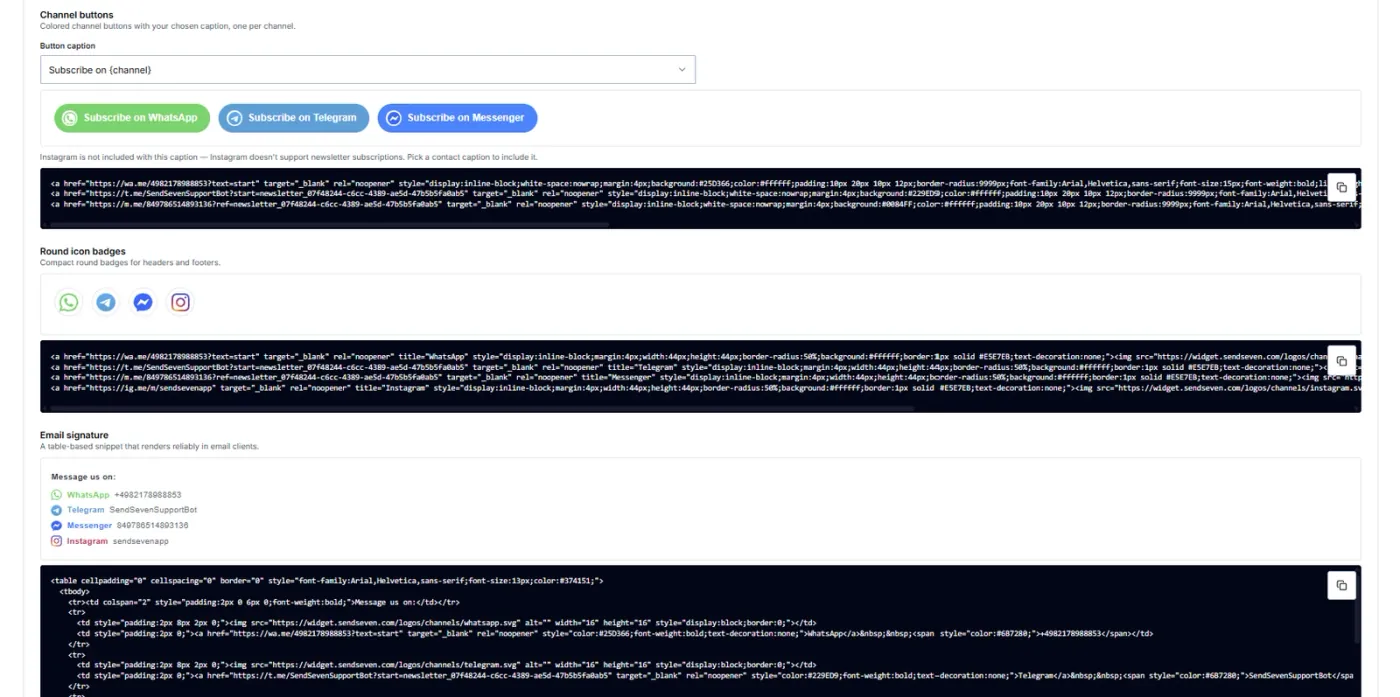
The line above it does the real work. A bare list of channels reads like a legal notice. Make it an offer instead: "Message us on WhatsApp, we usually reply the same day." That is a reason to open the chat.
One limitation is flagged in the platform itself: with the label "Subscribe on ..." Instagram drops out, because Instagram does not support newsletter subscriptions. Pick a contact label there and Instagram is back in.
Remember every outgoing template, not just the personal signature. Order confirmation, invoice, appointment confirmation. Those templates often send more messages than your team does.
The guest WiFi
Café, hair salon, beauty studio, waiting area. Wherever customers sit and wait, they ask for the WiFi. The login page of that guest WiFi is an opt-in surface you are already running.
One line is enough, with the link or the QR code below it: "Offers and appointments on WhatsApp? Sign up here."
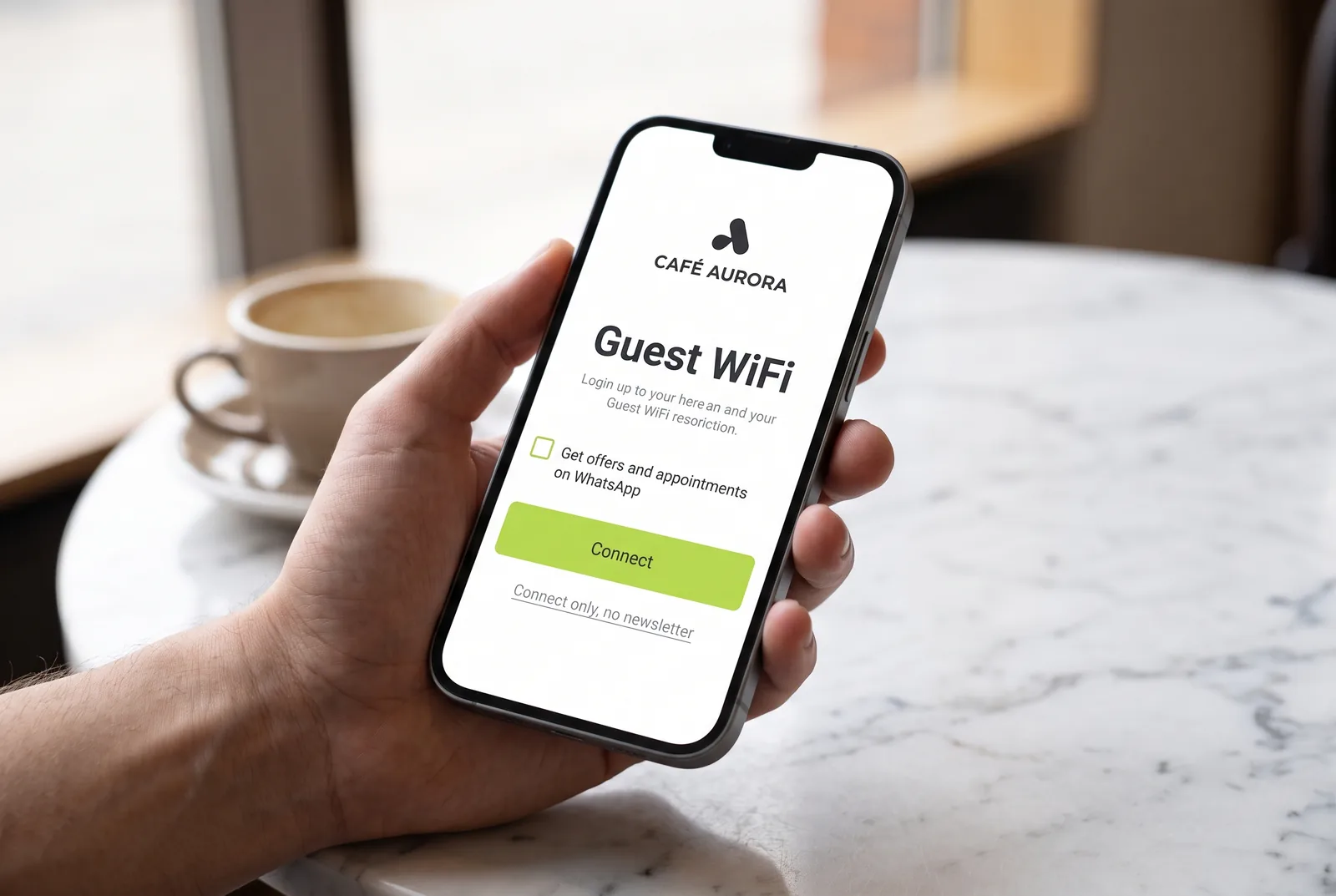
One legal point is decisive here. You must not make WiFi access depend on someone subscribing to your newsletter. "Just connect" has to stay visible as its own option. Consent you have to give in order to get online is not freely given, and therefore not valid. Keep the two apart and the touchpoint is unproblematic.
In practice it comes down to the router. Many hospitality routers ship their own landing page where you can set a logo, a text and a link. If your login page allows no free text, hang a small card on the table with the WiFi password and the sign-up code side by side.
The Google Business Profile
For local businesses the Google profile is often the very first contact. You can add WhatsApp there as a contact button, free of charge. Anyone searching for the business on a phone sees the route into the chat next to calling and directions.
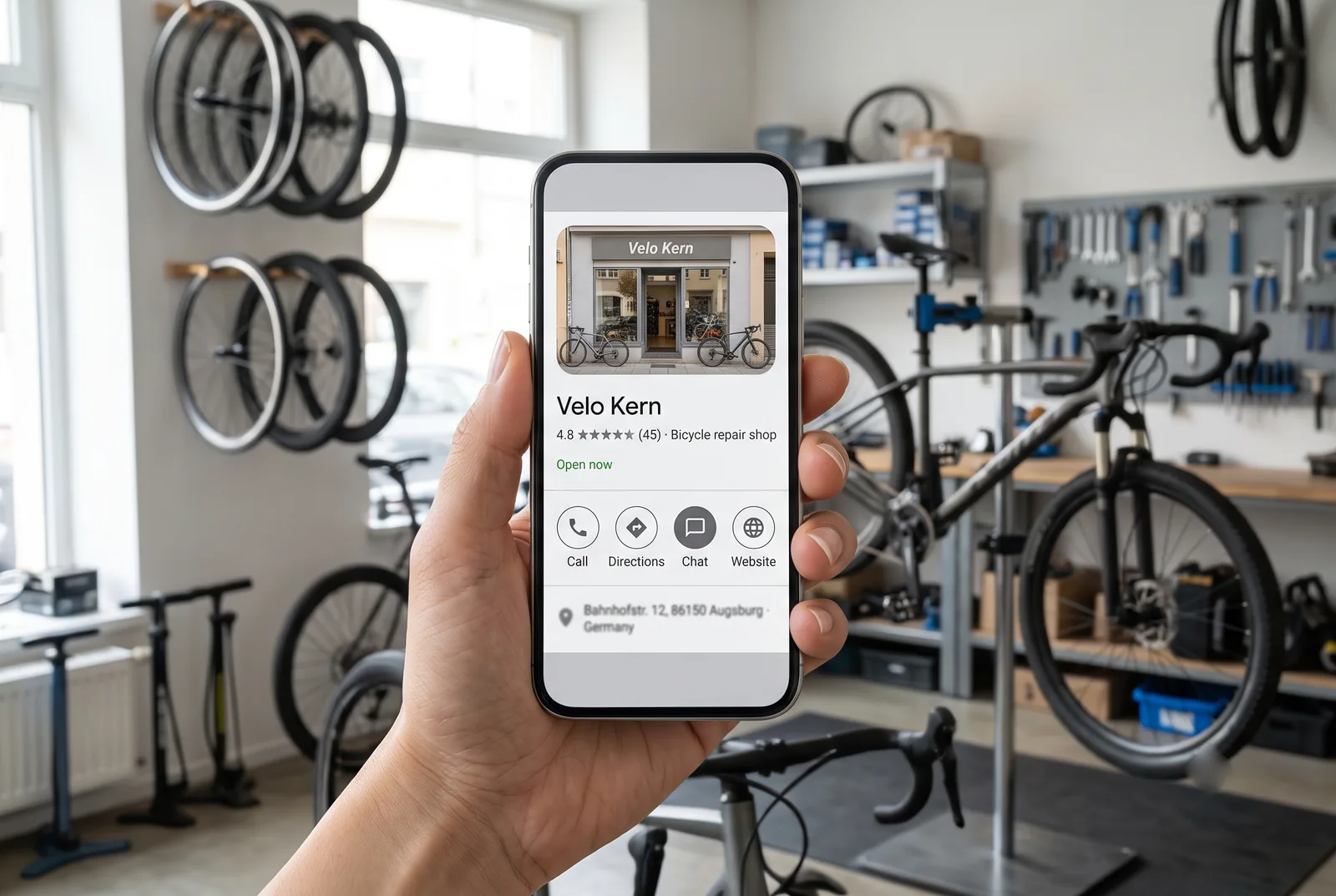
Two quirks are worth knowing up front, otherwise you will look in the wrong place.
The button only shows on mobile. On a desktop you will not see it. So check the result on a phone, or you will treat a working setting as a bug.
A pre-filled text is not possible. With a QR code or a link from the platform you decide which word the customer sends. Not here. The customer lands in an empty chat and types whatever comes to mind.
That is where the actual work starts. This route does not deliver a finished sign-up, it delivers an open question. The customer writes first, which opens the 24-hour window and lets you reply freely. That reply is where you collect the opt-in: say briefly what you would send, and ask for a confirmation. Our WhatsApp essentials fact sheet explains the rules behind it.
Two things make the difference. The greeting should not open with "How can we help?" but offer two or three choices, so the conversation moves in the right direction immediately. And because no trigger word travels along, you cannot recognise these enquiries by their wording. If you want to keep the source clean, use a separate number for Google or tag these contacts on first contact.
The right order for half an hour
All three routes together take less than a coffee break. This order saves rework.
The greeting first. Before any link goes out, the first reply has to exist. It confirms the sign-up, says what is coming and how often, and names the way to unsubscribe.
Then the signature. One block, copied once, handed to the team and pasted into the mail templates. That works from the next message onwards.
Then WiFi and Google. Both are settings you make once and can forget afterwards. Test both on a phone at the end, not on a desktop.
Frequently asked questions
May I tie guest WiFi access to the newsletter opt-in?
No. Consent has to be freely given. If access only works with a sign-up, the consent is invalid. Offer "just connect" as its own visible option and put the subscription next to it as a separate choice.
How do I get WhatsApp into my Google Business Profile?
You add WhatsApp to the profile as a contact button. The profile has to be verified. The button only shows on mobile, and you cannot pass a pre-filled text along with it.
Is a message via the Google button already an opt-in?
No. The customer starts with a question. Because they write first, you may reply freely for 24 hours, and that reply is where you can offer the subscription. Consent only exists once they confirm.
What belongs in the line above the channel buttons?
A benefit, not a channel name. "Message us on WhatsApp, we usually reply the same day" works far better than a row of icons. Say what the customer gets.
Does this work without a physical store?
The signature does, without restrictions. The WiFi drops out. The Google profile pays off as soon as you maintain an address or a service area, for instance in trades or consulting.
Every opt-in route in one place
These three touchpoints are part of twelve. The pillar article covers all of them, plus the GDPR points and a 90-day plan.
Read the opt-in strategies →Further reading
- WhatsApp opt-in: 7 strategies to grow subscribers
- WhatsApp QR codes: 6 spots where people actually scan
- Trigger words on the product: from sticker to subscriber
- WhatsApp essentials: the rules before your first send
- WhatsApp marketing campaigns: the complete guide
- WhatsApp newsletter product page
Note: some illustrations in this article are AI-generated. How we work with AI is set out in our editorial policy.