Facebook Business Manager Setup: 2026 Guide
SendSeven Team, Editorial Team
Business Manager, Business Suite or Business Portfolio? This guide shows how to set up your Meta business account correctly in 2026, verify it and secure it, so you can use WhatsApp, Instagram and Messenger for business.
The short version
The Facebook Business Manager is now called Meta Business Suite, and the business unit inside it is what Meta calls a Business Portfolio. It is the free, central place to manage your Facebook Page, your Instagram account and your WhatsApp Business Account.
To get started, all you need is an account and your assets. Business verification has not been required since 2023 to use WhatsApp for business; it only raises your sending limits.
In short: create a business account, add your Page, Instagram and WhatsApp as assets, and secure the account with two-factor authentication. The WhatsApp part is handled for you by a platform like SendSeven via Embedded Signup.
Business Manager, Business Suite or Business Portfolio?
The Facebook Business Manager is Meta's central hub for everything business-related: your Facebook Page, your Instagram account, your WhatsApp Business Account, access rights and security, all in one place. The only confusing part is the name, because Meta has changed it several times. Three terms get thrown around, but at their core they refer to the same account.
| Term | What it is | What it is for |
|---|---|---|
| Meta Business Suite | The interface (formerly Facebook Business Suite) | Day to day: inbox, content, overview |
| Business settings | The settings area (formerly “Business Manager”) | Assets, users, security, verification |
| Business Portfolio | The business unit itself | Owns and bundles your assets |
In practice, that means: you create a Meta Business Portfolio and manage your channels inside it. Whether Meta currently calls the interface “Business Manager” or “Business Suite” makes no difference to the steps. Old Business Manager links now redirect automatically into the Business Suite.
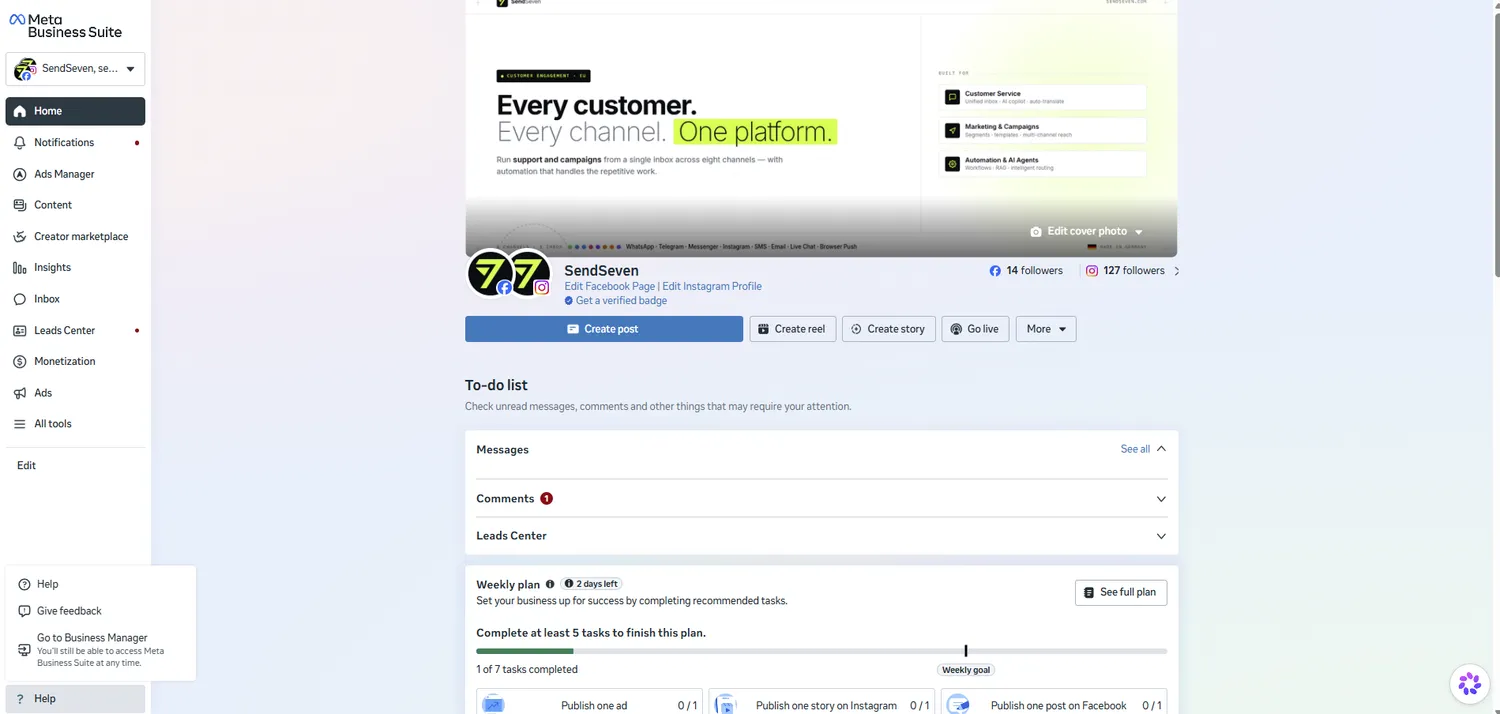
Create your Meta business account in minutes
A Business Portfolio is set up in under five minutes. All you need is a personal Facebook profile to log in. That profile stays invisible to customers; for security reasons, Meta ties every business account to a real person.
- Open business.facebook.com and sign in with your personal Facebook profile.
- Select “Create account”.
- Enter your business name, your name and a business email address, then confirm the email.
One tip that saves a lot of headaches later: create only one portfolio per company. Multiple portfolios leave your assets scattered, and a WhatsApp Business Account cannot simply be moved between portfolios afterwards.
After setup, you manage everything under Business settings (the gear icon, then “Business settings”). This is your control center for the next steps.
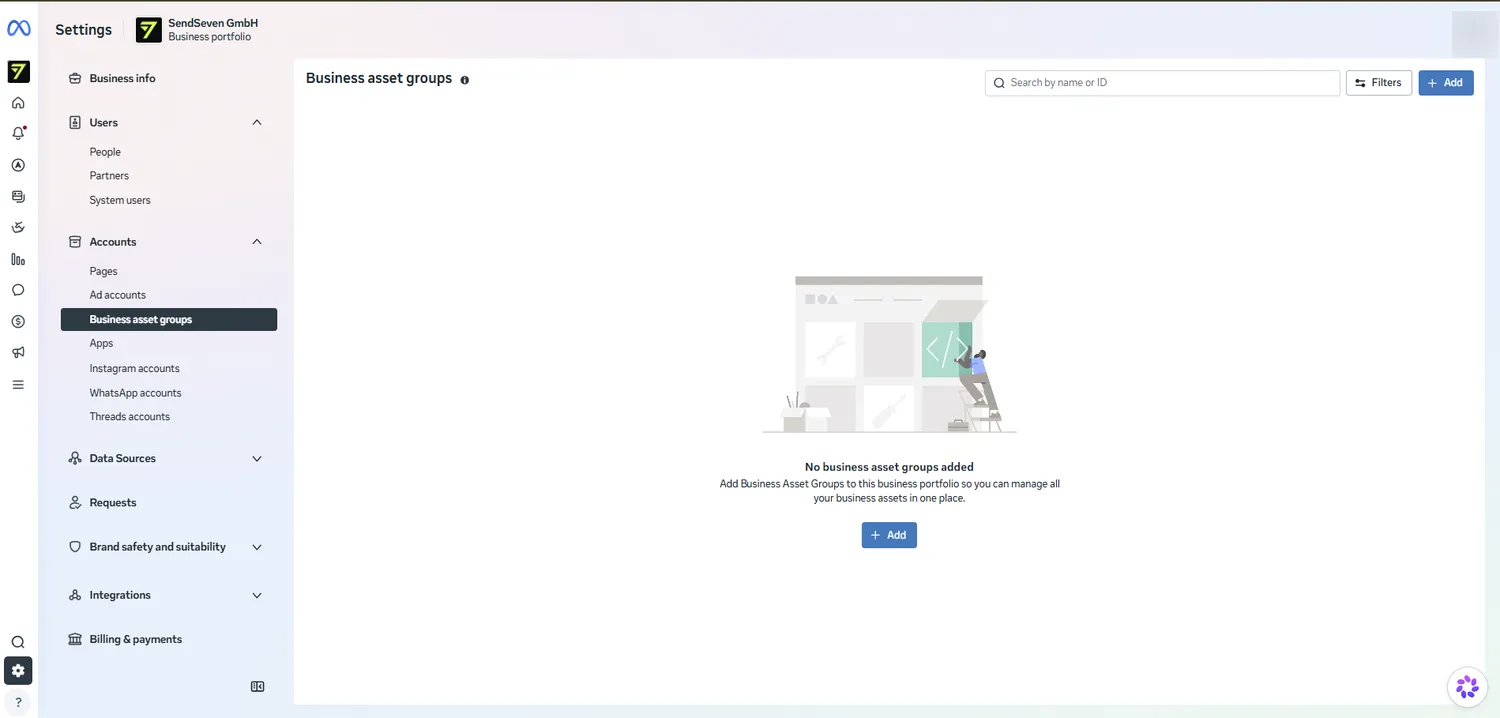
Business verification: when you actually need it
The most important message first: business verification is not a requirement for using WhatsApp for business through the WhatsApp Business API. Meta dropped that hurdle at the end of 2023. Many guides online are outdated on this point.
What verification actually does: it raises your daily sending limits. Without verification, you can message 250 unique recipients per 24 hours; after verification, 2,000. With rising send volume and a good quality rating, that scales further to 10,000, 100,000 and eventually unlimited. So verification is a lever for more reach, not an on/off switch.
A common mix-up: verification is not the green checkmark. The green checkmark (officially the “Official Business Account”) is a separate authenticity badge that Meta grants mainly to well-known brands. Passing business verification does not bring it automatically.
Where you verify: in the Security Center under “Start verification”. You enter your company name, address, phone number and website, upload a proof document and confirm a code. The process and the accepted documents are entirely up to Meta; the current details are in the Meta Business Help Center. SendSeven does not handle verification for you, this is your step inside the Meta account.
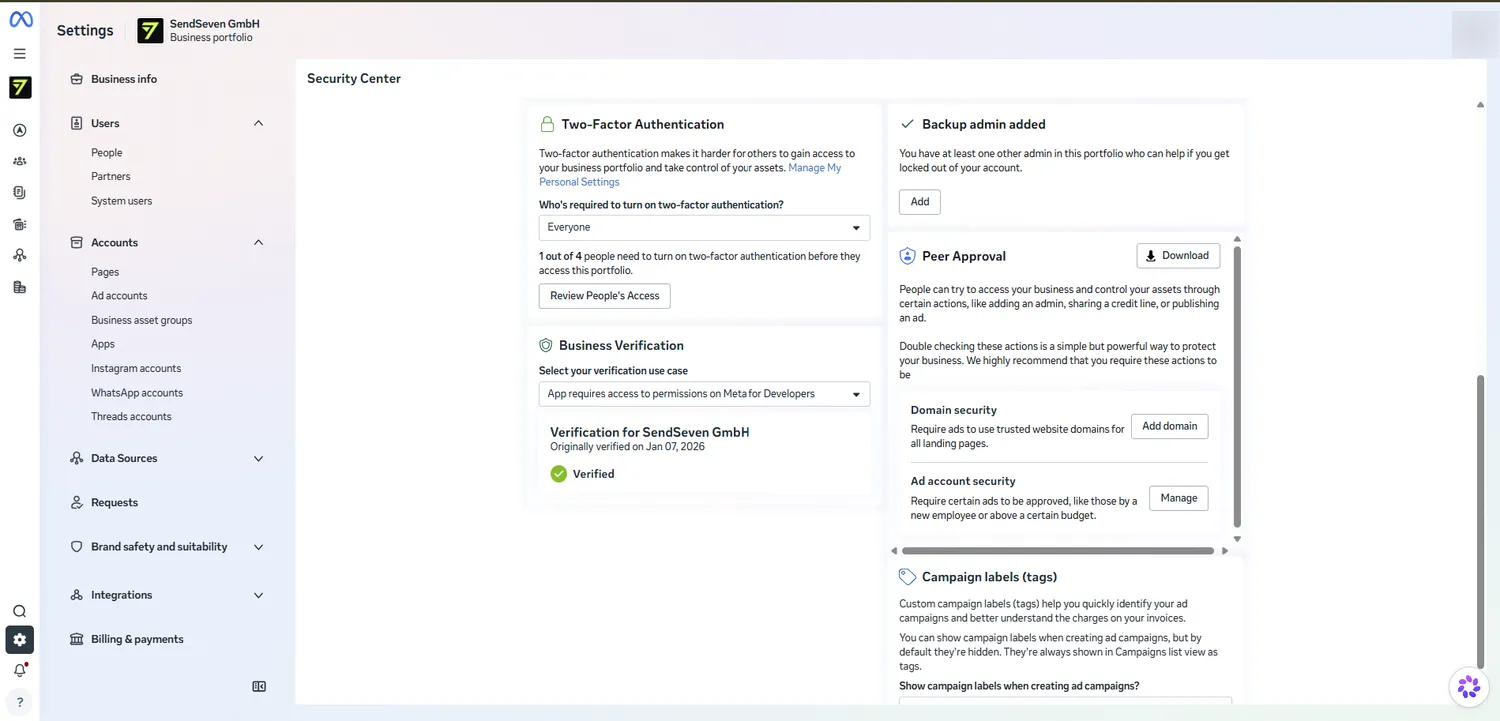
Add your business assets: Page, Instagram and WhatsApp
Assets are the building blocks of your portfolio. For customer communication, three matter:
- Facebook Page: the foundation for Facebook Messenger.
- Instagram account: it has to be a Business or Creator account (not a personal one). A Facebook Page is not needed, because SendSeven connects Instagram via Instagram Login. After that, Instagram direct messages can be answered automatically.
- WhatsApp Business Account (WABA): the container for your WhatsApp number. Meta structures it like this: Business Portfolio, then the WABA inside it, then the phone number. This is exactly the asset that a platform like SendSeven connects to the WhatsApp Business API.
Adding one always works the same way: Business settings, then “Accounts”, then the relevant item (Pages, Instagram accounts or WhatsApp accounts) and “Add”.
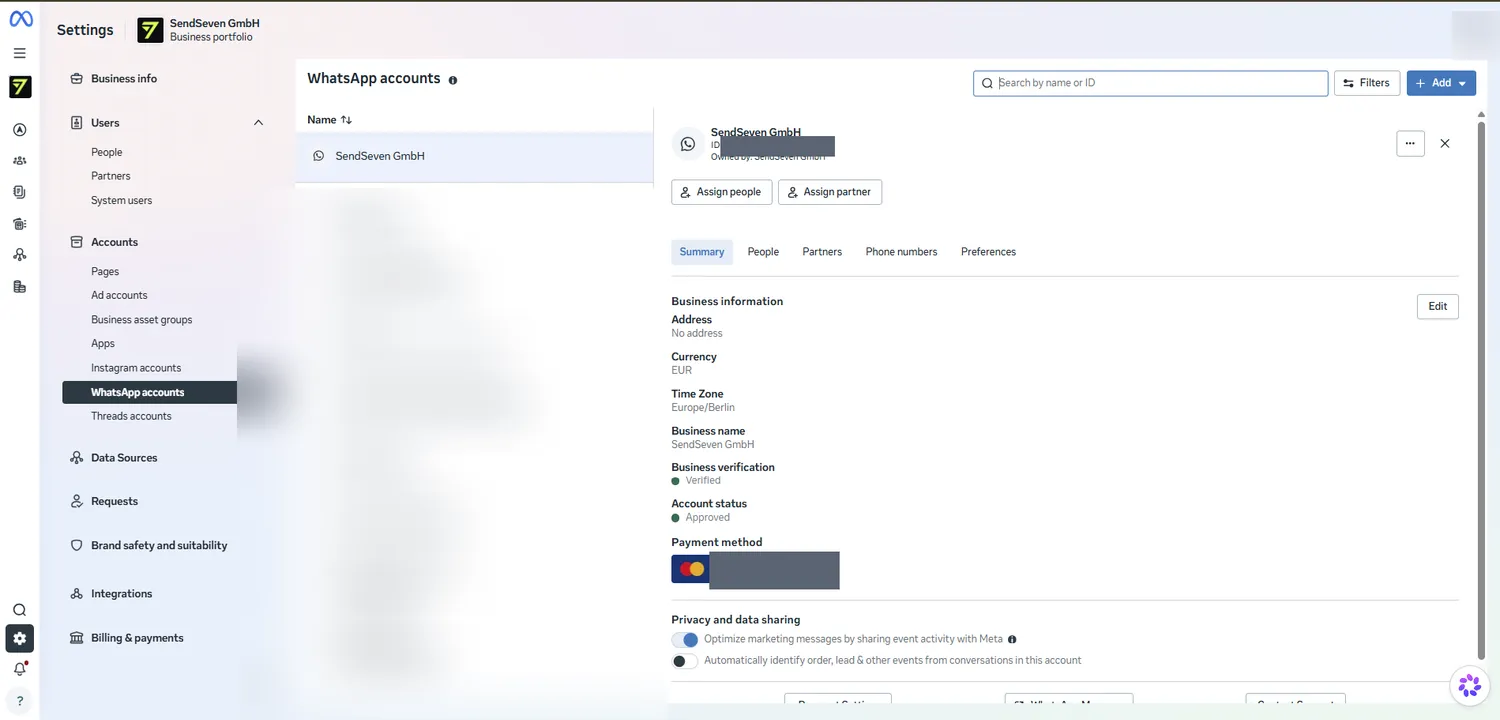
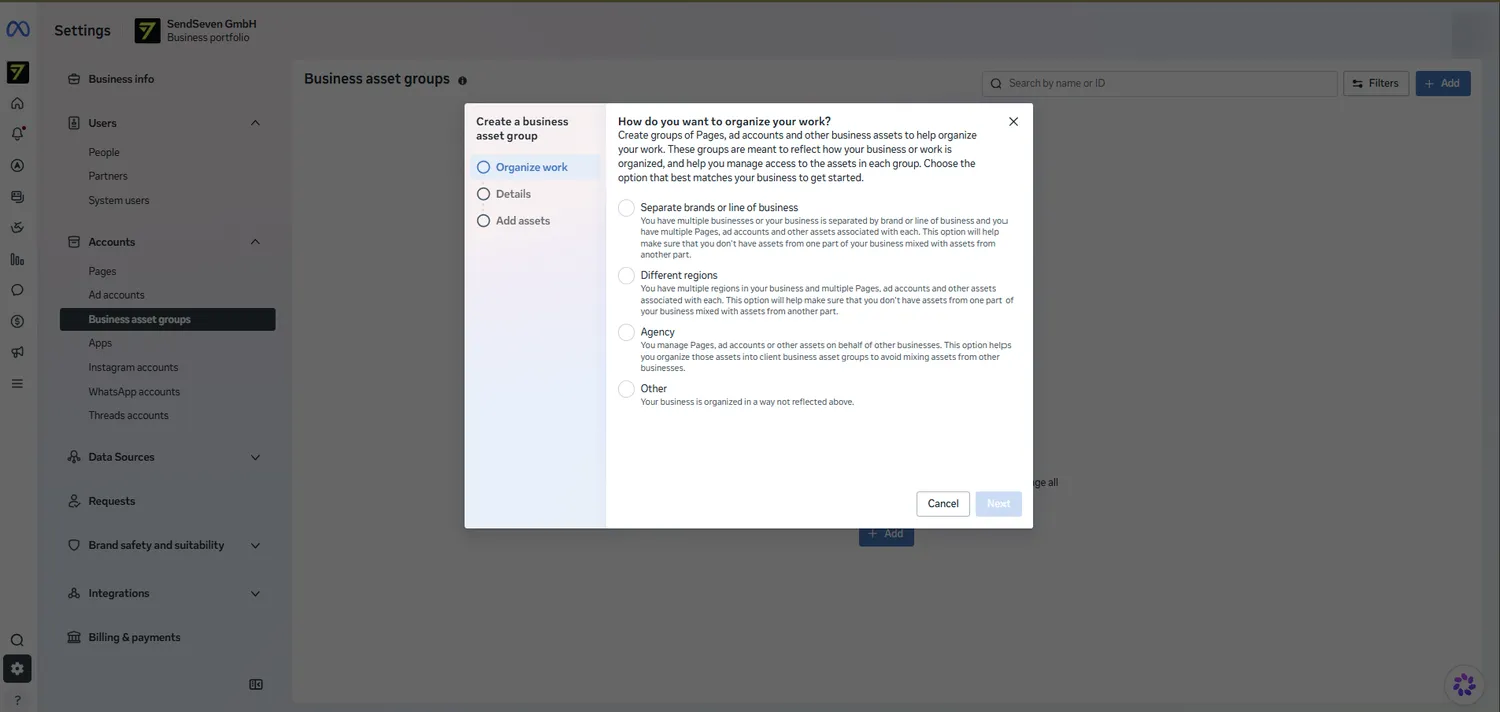
If you manage many assets, you can bundle them into Business Asset Groups, for example by brand or region. Agencies use this to keep their clients' assets cleanly separated. For a single company it is optional.
Already using the WhatsApp Business App? Then you do not have to move over completely. With WhatsApp Coexistence, the app and the API run in parallel on the same number. We have summarized the details in a separate coexistence guide.
Security Center: lock down your account
Your portfolio holds your WhatsApp number, your Page and your customer data. Losing access is expensive, so two things belong in place right away. You will find both in the Security Center (see the screenshot above).
- Make two-factor authentication mandatory for all users (the “Everyone” setting). This is the single most effective protection against an account takeover.
- Add a backup admin. At least a second person with admin rights helps you if you ever get locked out. Never rely on a single administrator.
Beyond that, it is worth requiring dual approval for critical actions via peer approval, for example when adding new admins, and restricting access to trusted domains. For a solid foundation, though, two-factor and a backup admin are enough.
SendSeven on top: every Meta channel in one inbox
The Business Manager is the foundation. But WhatsApp only becomes truly usable with a platform that receives, answers and automates messages. That is exactly where SendSeven comes in.
Connected via Embedded Signup. SendSeven connects WhatsApp through Meta's Embedded Signup, a Meta popup right inside the platform. You pick an existing Business Portfolio or create one in the same step. Worth knowing: a freshly created portfolio is not the same as a properly set-up one. Verification, assets and security from the sections above remain your job. The individual clicks are shown in our step-by-step guide to connecting WhatsApp.
Works without platform access too. If you manage the Business Manager but do not have a SendSeven account yourself, for example your marketing team or an agency, you complete the Meta step via a connect link, with no login of your own.
One inbox for WhatsApp, Instagram and Messenger. All three Meta channels come together in a shared inbox, plus SMS, email and more. As a badged Meta Business Partner, SendSeven knows the rules Meta applies to approvals.
And what SendSeven deliberately does not do: manage ad accounts, take over verification or assign roles in the Business Manager. That stays in your Meta account. SendSeven takes care of what comes next, namely day-to-day communication. You will find all the pricing transparently on the pricing page.
Frequently asked questions
What is the difference between Facebook Business Manager and Meta Business Suite?
At their core they are the same thing. “Meta Business Suite” is today's interface for day-to-day work; “Business Manager” is the older name for the settings area behind it, which Meta now calls “Business settings”. Old Business Manager links redirect automatically into the Business Suite.
Do I need the Facebook Business Manager for WhatsApp Business?
Yes. For the WhatsApp Business API you need a Meta Business Portfolio and, inside it, a WhatsApp Business Account. When connecting through SendSeven, you can pick an existing portfolio or create one directly.
Is business verification mandatory?
No. Since the end of 2023 it is no longer a requirement for using WhatsApp through the API. It only raises your sending limits, from 250 to 2,000 unique recipients per 24 hours, and higher still with good volume and quality.
What is a WhatsApp Business Account (WABA)?
The WABA is Meta's organizational unit that your WhatsApp numbers sit under. The order is: Business Portfolio, then the WABA inside it, then the phone number. The WABA is the asset that SendSeven connects.
Does the Facebook Business Manager cost anything?
No, the account itself is free. Costs only arise from usage, for example WhatsApp messages according to Meta's price list or advertising. Incoming customer messages are always free with SendSeven.
Can I keep using my existing WhatsApp number?
Yes. With WhatsApp Coexistence, the WhatsApp Business App and the API run in parallel on the same number, without a full migration. Up to six months of chat history can optionally be carried over.
Does SendSeven set up the Business Manager for me?
SendSeven handles the WhatsApp part for you via Embedded Signup. Creating the portfolio, verification and role management stay in your Meta account. That way you keep full control over your assets.